
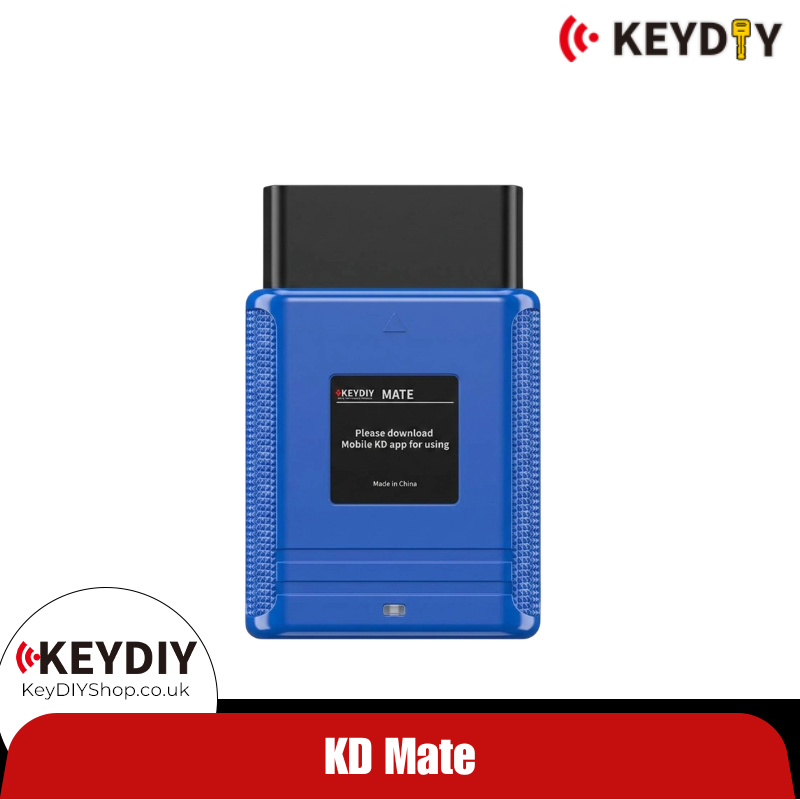
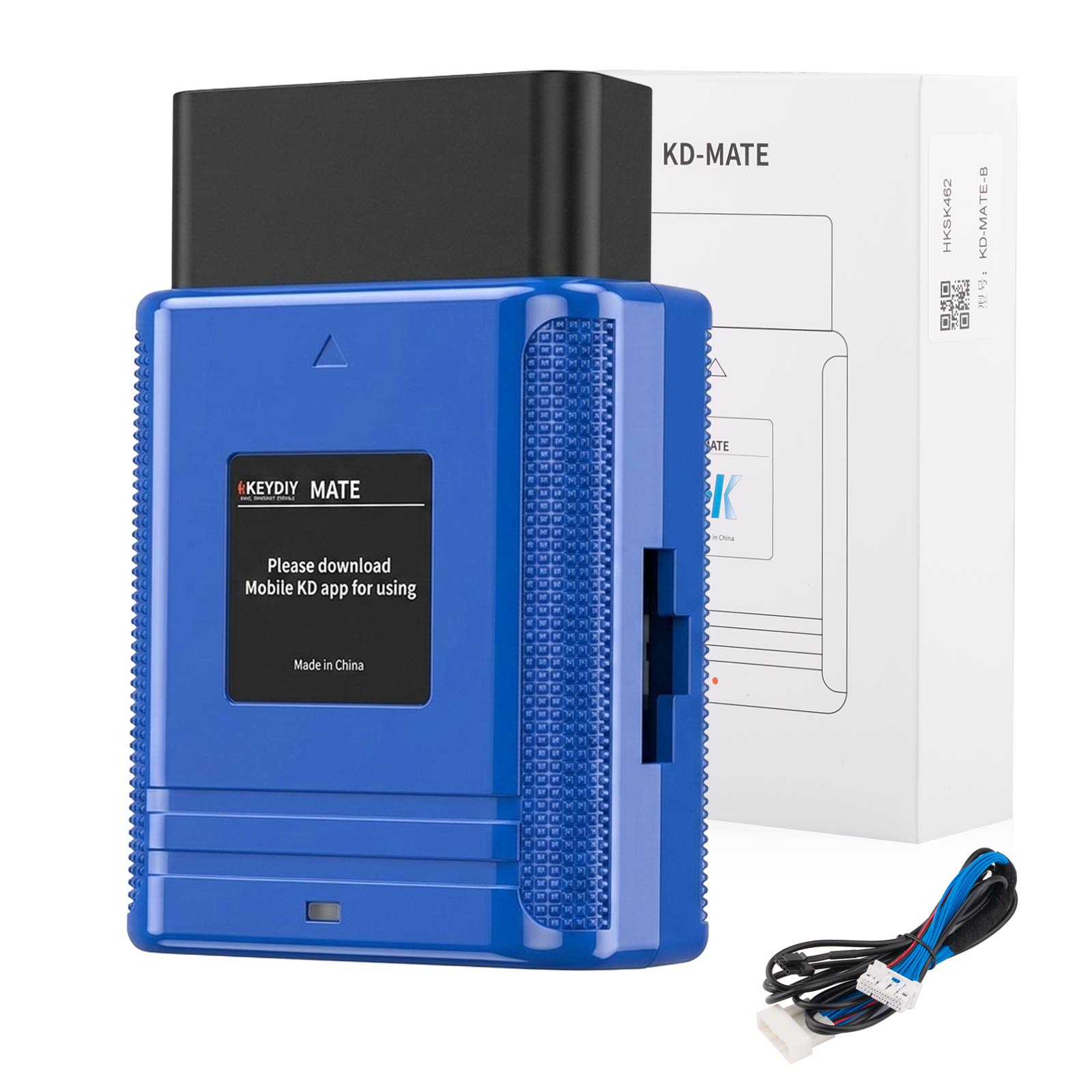
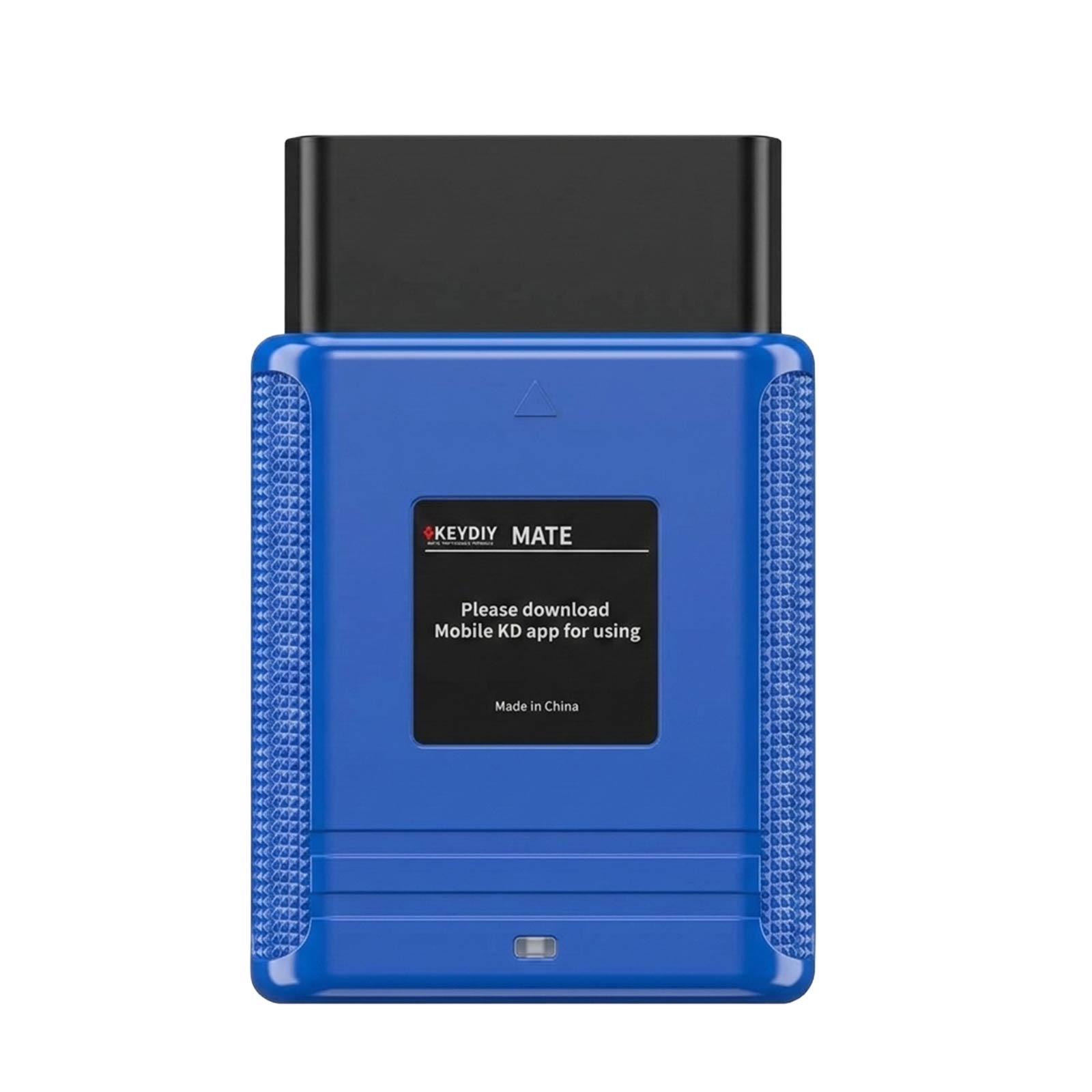
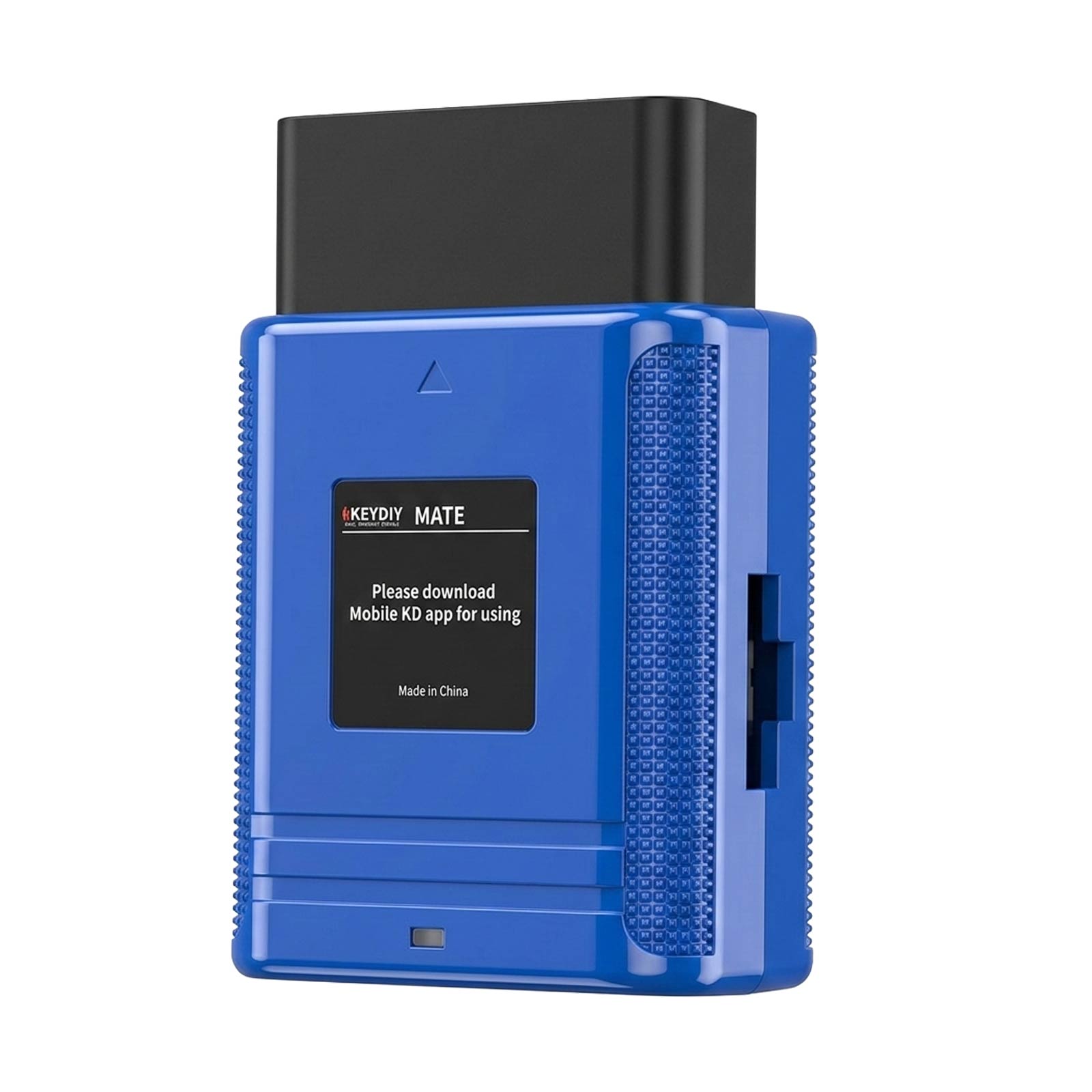
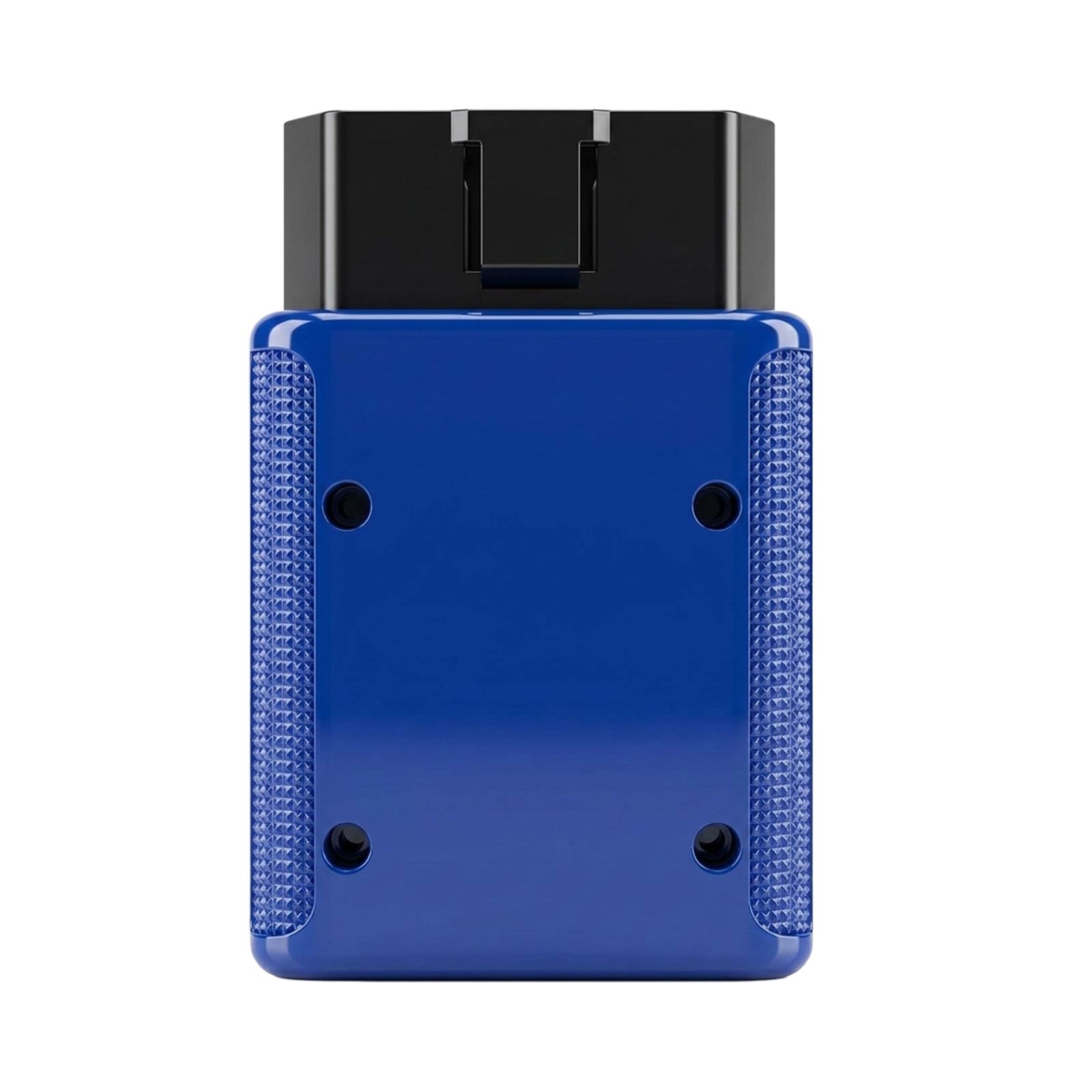
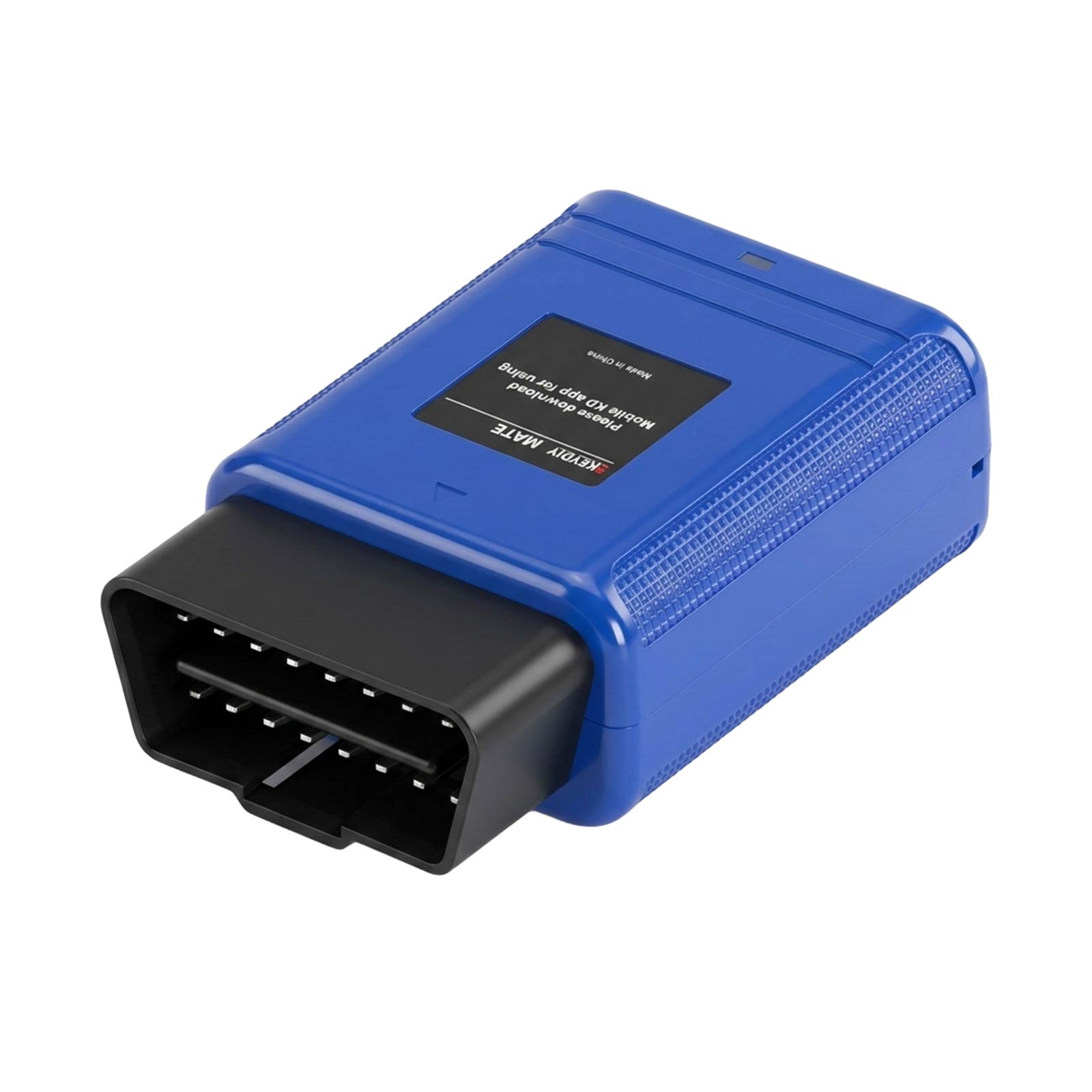
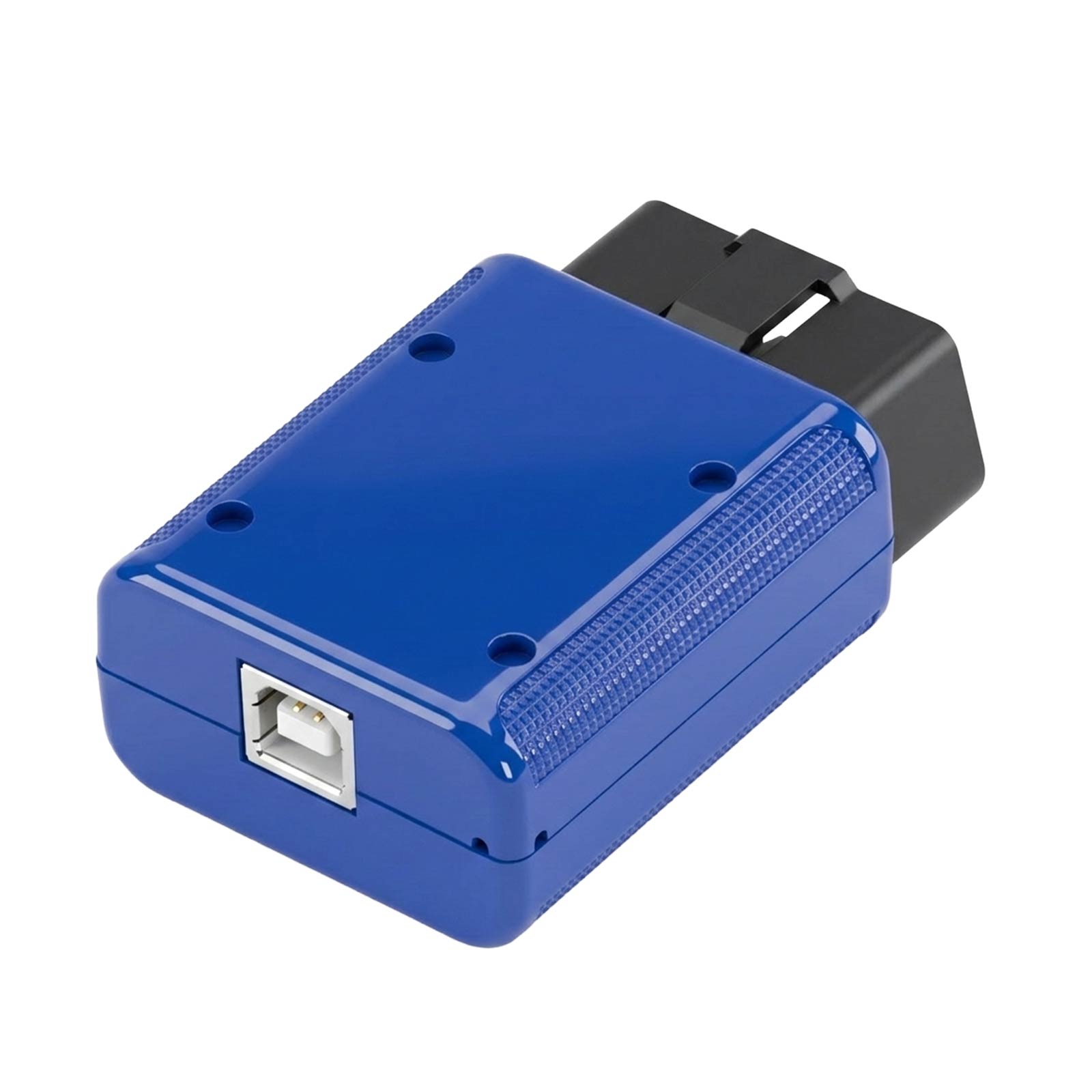


Anni Sale KEYDIY KD-MATE Key Programer Work with KD APP KD-MAX KD-X2 for Toyota 4A 4D 8A, BYD and VAG IMMO4

![[Combo Kit] KEYDIY KD-MAX Remote Programmer & KD-MATE Key Programmer & KD MINI PROG](/upload/pro-xs/26081217865203068113.jpg)
![[Combo Kit] KEYDIY KD-MAX Remote Programmer & KD-MATE Key Programmer](/upload/pro-xs/26031917739878048750.png)
Order≥£499, Get Free BDC2/3 Adapter
Order≥£999, Ger Free 5pcs KD ZB24-5
🇪🇺 UK/EU Ship, NO Tax!
Better price, please contact us!
Whatsapp:+86-17782330462
Email: sales@keydiyshop.co.uk
Related Download Files
Product Description
KD-MATE works with KD-X2/KD-MAX and KD remotes.
KEYDIY KD Mate is a master at key programming for Toyota & Lexus Smart Key models from 2007-2023.
KEYDIY KD-MATE Key Programer Work with KD APP KD-MAX KD-X2
- Toyota & Lexus (2007–2023): Program smart keys (4D, 8A, 4A types) without a simulator or PIN code.
- Support for VW / Audi / Seat / Skoda: Compatible with 4th IMMO and VAG MQB key systems. (Some models may require the KD Mini Prog adapter for reading or writing data. )
- Support BYD (2011–2023) key programming and AKL, no simulator or PIN code required.
- Compatible with KEYDY KD-X2 Or KEYDIY KD-MAX, the KD Mate also supports KD smart keys.
The KD Mate is a professional car key programming device designed to work seamlessly with the Mobile KD App.
Using the included adapter cable, KD Mate enables Toyota Smart Key programming without a pincode and allows all-key-lost key addition for Toyota vehicles — without requiring a simulator.
Continuously updated through the Mobile KD App, KD Mate acts as a secure communication bridge between KD devices and the vehicle system. It is fully compatible with KD-X2, KD-MAX, and all KD remotes, helping locksmiths reduce programming costs and increase efficiency.

|
BRAND |
MODEL |
FROM |
TO |
NOTE |
|
KEYDIY |
ALL MODELS |
|
|
|
|
LEXUS |
ALL MODELS |
2007 |
2018 |
Smart Key With ID 8A (0020/2110 /F43/3330/0410/0440/0010/0120), Smart Key With ID 4D (0111/0140/0780/5380/7990) |
|
TOYOTA |
ALL MODELS |
2007 |
2018 |
Smart Key With ID 8A (0020/2110 /F43/3330/0410/0440/0010/0120), Smart Key With ID 4D (0111/0140/0780/5380/7990) |
|
TOYOTA |
COROLLA |
2019 |
2022 |
Smart Key With ID 4A |
KEYDIY KD Mate Recently Added Vehicles:
KEYDIY Mate has recently been updated and it is now support more vehicle models, mostly focusing on New vehicle models smart key programming and pin code reading and much more features, newly release:
- CHRYSLER
- JEEP
- DODGE
- FORD
- GMC
- BUICK
- CHEVROLET
- CADILLAC
- CHERY
- GREAT WALL
- HAVAL
- WEI PAI
- DENZA
- MG
- MODERN
- ROEWE
- HONDA
- MAZDA
- NISSAN
- INFINITI
- KIA
- Hyundai
- and much more will be added soon
Package includes:
1pc x KEYDIY MATE key programming device
1pc x Programming cable

Tech Support
KD-Mate Key Matching Precautions
1. When Adding a Smart Key – No "Beep-Beep" Sound and Key Addition Fails
Possible Cause: Communication or data mismatch between the original key and the generated key.
Solutions:
-
Use KD-MAX or KD-X2 to check the last two bytes of Page 4 (P4) of the original key (values such as 88/A8/A9/AA). Make sure the generated key has the same Page 4 data as the original key before performing key matching.
-
For 0440/0410 Toyota and Lexus models – the programming protocols are not interchangeable. For Lexus vehicles, select the Lexus brand section to generate and match the key.
-
If the remote was previously used on another vehicle, it is in a locked state. Unlock it first using KD-MAX or KD-X2, then proceed with matching.
-
Identify the coil antenna position (square area). Place the smart key face forward against the start button for recognition. The key must have a battery installed for matching.
2. After Adding the Smart Key – The Key Only Works by Touch (No Remote or Push Start Function)
Possible Cause: Frequency mismatch between the original key and the generated key.
Solutions:
-
Before matching, use KD-MAX or KD-X2 to test the frequency of the original key.
Press any button at least twice to obtain dual frequencies (e.g., first press: 314.35MHz; second press: 315.10MHz).
Then, check the key frequency.
If there is any difference (even to the second decimal place), go to: App Home → Remote Function → KEYDIY Remote Function → Toyota Smart Key Frequency Adjustment, and select the corresponding frequency combination.
After adjusting, no re-matching is required — the modification takes effect immediately. -
If the remote function still does not work, go to the operation menu and perform ECU and ID synchronization.Follow the prompts to bring the newly added (non-functional) key close to the start button for syncing.
3. No Beep Sound When Inserting the Original Key
Possible Causes & Solutions:
-
Check whether the vehicle is equipped with an aftermarket push-start system.
-
Use a diagnostic tool to test if the induction coil inside the push-start module is damaged.
4. Error Message: "Start Communication Failed!"
Please Check the Following:
-
Ensure the ignition switch is turned on/off as required.
-
Confirm the OBD cable connection is stable and secure.
-
Verify the vehicle model supports this system.
Solution:
Check whether the terminal's EEPROM reading cable is properly connected to the smart box and inserted into the correct socket.
Tip: The smart box is usually located under the passenger side, labeled with a number starting with 89990.
It normally has three connectors; the correct adapter plug should be inserted into the outermost (top or bottom) port, never the middle one.
5. Emergency Key Generation or Ignition Failure
Solutions:
-
Confirm the correct key type is being used:
- 8A Smart Key models → use TB remote key
- Toyota 4A models → use ZB remote key
-
Ensure the vehicle's power supply is stable (no low voltage).
-
Confirm the original smart box harness has been properly reconnected.
-
Use a diagnostic tool to check whether the induction coil inside the push-start module is damaged.
KEYDIY Mate OBD Adapter FAQs:
-
What is the KEYDIY KD Mate?
- The KEYDIY KD Mate is a car key programming device that works in conjunction with the KD Mobile app to facilitate easy car key programming, specializing in Toyota, Lexus, Volkswagen, Audi, Seat, Skoda, and BYD models from 2007-2023.
- How does the KEYDIY KD Mate work with the KD Mobile app?
- It connects with the KD Mobile app to enable seamless car key programming, providing continuous updates and support for various car models and key types without requiring simulators or Pincodes.
- Which car models does the KD Mate support for key programming?
- It supports key programming for Toyota & Lexus Smart Keys, Volkswagen, Audi, Seat, Skoda, and BYD models, with specific support for models from 2007-2023.
- Do I need simulators or Pincodes for programming with the KD Mate?
- No, the KD Mate eliminates the need for simulators or Pincodes for most of its supported programming functions, making the process more straightforward.
- Can the KD Mate program keys for cars beyond Toyota and Lexus?
- Yes, in addition to Toyota and Lexus, the KD Mate also supports key programming for brands like Volkswagen, Audi, Seat, Skoda, and BYD, with continuous updates for adding more vehicle models.
- Is the KD Mate compatible with other KEYDIY devices?
- Yes, it's compatible with KEYDIY KD-X2 ABK-4209 and KEYDIY KD-MAX ABK-5000, enhancing its functionality when used together.
- What updates can users expect for the KD Mate?
- Users can expect continuous updates via the KD Mobile app, adding more key programming functions and support for additional car models over time.
- What are some specific programming capabilities of the KD Mate for Toyota & Lexus?
- It includes Pincode-free programming for Toyota 2018+ 4A smart keys, Toyota - Lexus 8A smart keys, and Toyota - Lexus 4D smart keys, among others.
- What is required for Toyota - Lexus 2020+ Smart Key Programming?
- The KEYDIY Mate Toyota 30 Pin Cable (sold separately) is required for reading Smart Box module data on some 2020+ models.
- Does the KD Mate support all keys lost programming?
- Yes, it supports all keys lost programming for Toyota, Lexus, and BYD models and many other vehicles without the need for a simulator or Pincode.
- Are there any special requirements for VAG key programming with the KD Mate?
- For comprehensive VAG system programming, the KD Mini Prog adapter may be required for some functions.
- Can the KD Mate work as a stand-alone device?
- No, it must be used in conjunction with the KEYDY KD-X2 Or KEYDIY KD-MAX for full functionality.
- What new vehicle models has the KD Mate recently added support for?
- It has expanded support to include models from CHRYSLER, JEEP, DODGE, and many others, with continuous updates promising more additions.
- How can users acquire the KD Mate and its accessories?
- Users can purchase the KD Mate and its specific accessories, like the Toyota 30 Pin Cable.
- What makes the KD Mate a preferred choice for key programming?
- Its ease of use, compatibility with a wide range of car models, and elimination of the need for simulators or Pincodes make it a preferred choice.
- How does the KD Mate support smart key programming for BYD models?
- It supports smart key programming for BYD models from 2011-2023, covering spare keys and all keys lost scenarios without requiring a Pincode or simulator.
- What future enhancements are planned for the KD Mate?
- The KD Mate is set to receive more key programming functions and support for additional car models through continuous updates
- What is included in the KEYDIY KD Mate box?
- The box contains the KD Mate OBD Adapter Main Unit, KD Mate Toyota 4A Cable, and a KD Mate USB Type-C C